
Contract maker Draft a contract in under 30 seconds
Tell Legal Draft what you need. It writes a complete first draft for your jurisdiction, ready for you to edit, sign and export.

For iPhone, iPad and Android.
44,000+ contracts drafted
A 12-month lease for my apartment at 12 Main Street, Austin, starting November 1.
Residential Lease Agreement
This agreement is made between Maple Court Properties (Landlord) and Sam Rivera (Tenant).
1. Premises
The Landlord rents to the Tenant the apartment at 12 Main Street, Austin.
2. Term
The lease starts on November 1, 2026 and runs for 12 months.
Everything a contract needs, in one app
From the first draft to the signed PDF.
A first draft in under 30 seconds
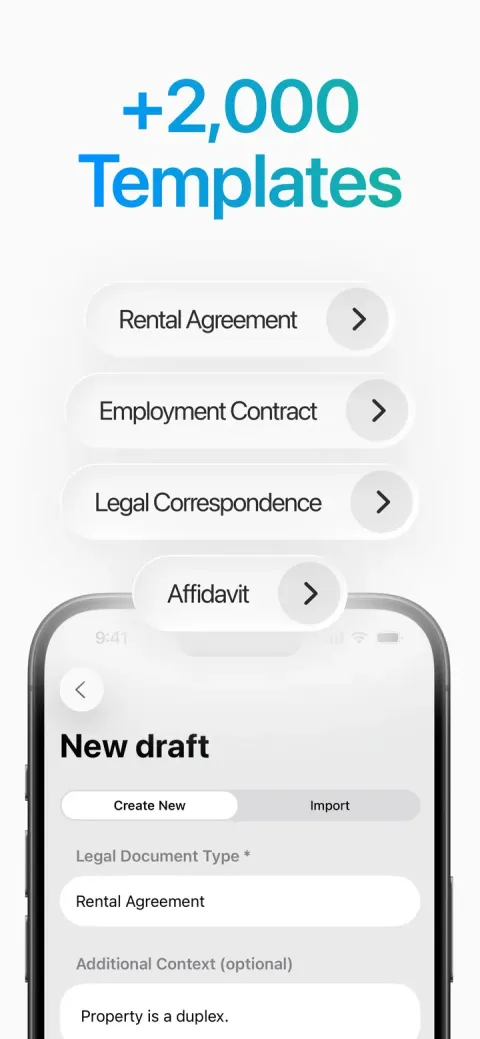
Choose a document type, add the key details and get a complete draft to work from.
Written for your jurisdiction
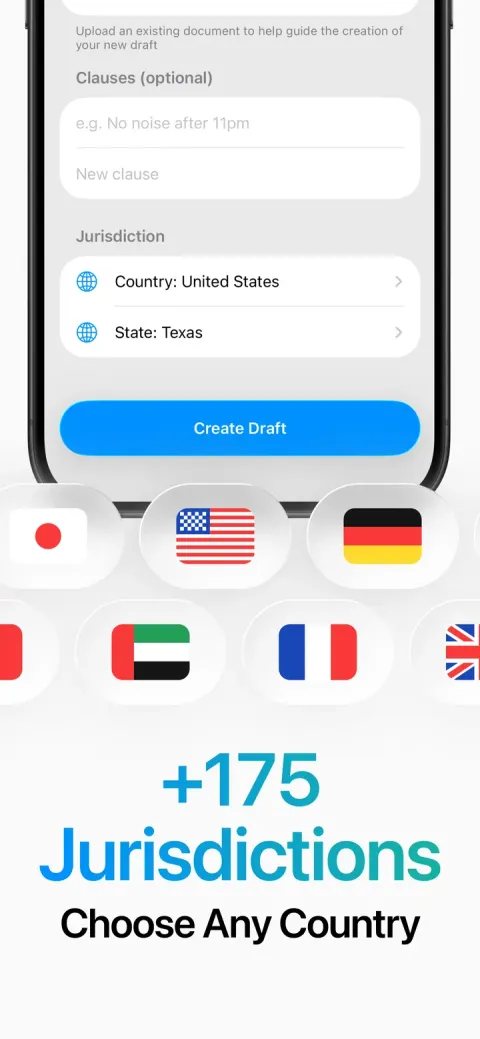
Pick a country and region. The draft follows the conventions of the law you choose.
Edit clause by clause
Add, remove or rewrite clauses until the document says exactly what you agreed.
Import existing contracts
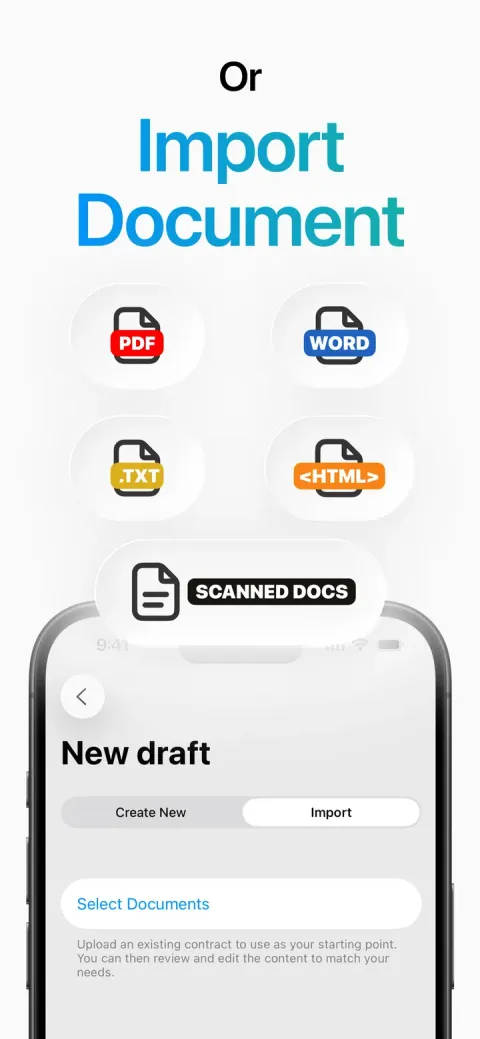
Bring in a PDF, a Word or text file, or a scan, and keep working on it in the app.
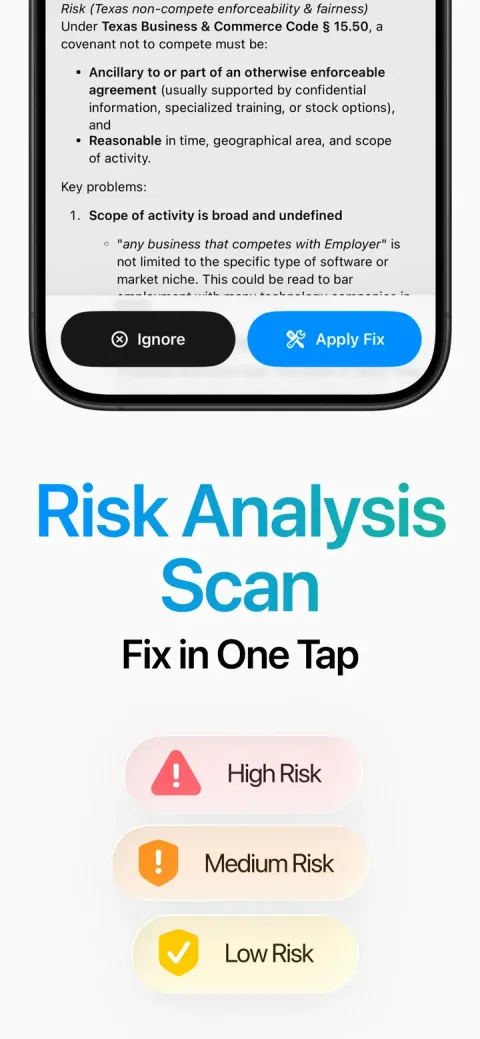
Contract review and risk analysis
See which clauses carry a high, medium or low risk, and fix them in one tap.
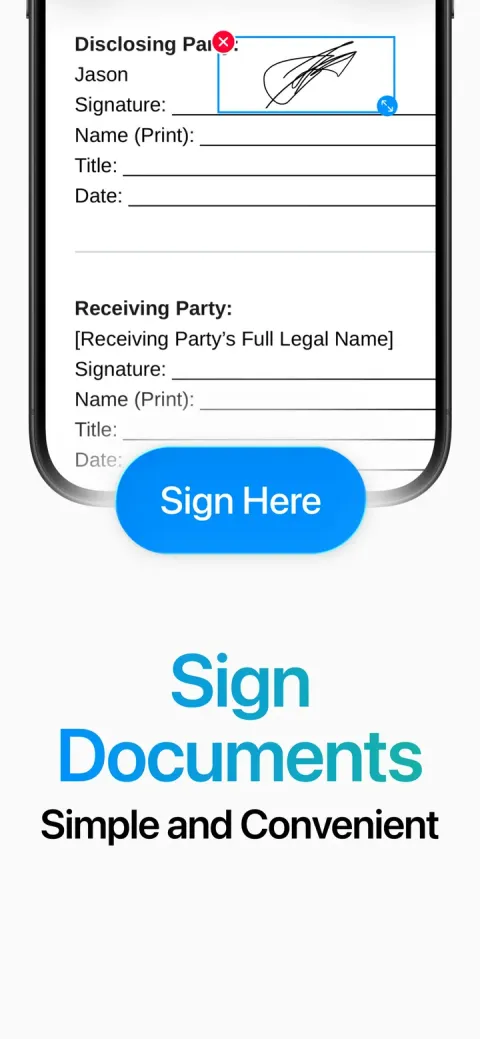
Sign documents
Add your signature, place it on the page and export a signed PDF.
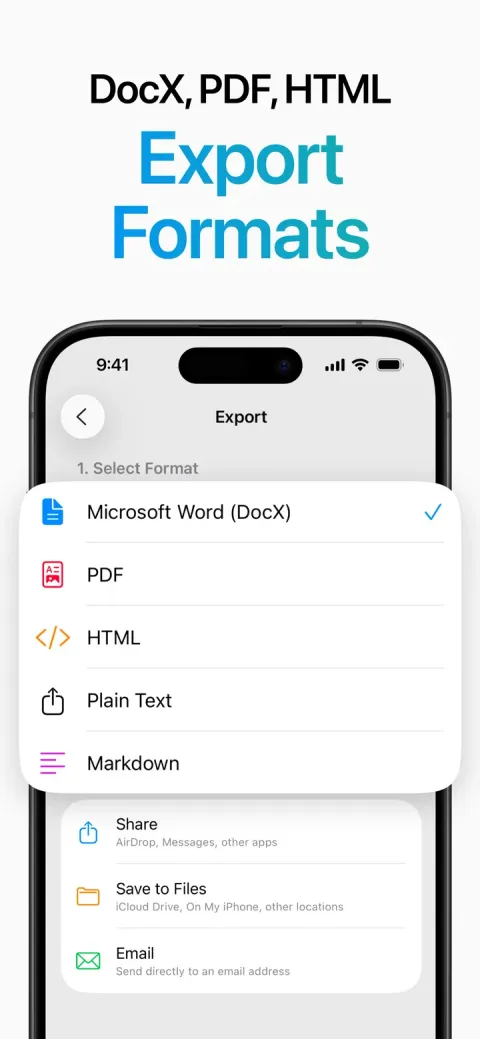
Export & share
Save the document as DOCX, PDF, HTML or TXT, in the format the other party needs.
How it works
Describe the document
Choose a type such as a lease or an NDA, then add the names, dates and terms.
Review the draft
Read the draft, adjust the clauses and check it with the risk analysis.
Sign and share
Sign it in the app and export it as PDF, DOCX, HTML or TXT.
A look inside the app
What users say
Rated 4.8 out of 5 from 387 App Store ratings.
★★★★★
Most useful legal app by far
This is one of the only apps I pay for. It’s saved me so much time, money and effort in my legal practice. And the contracts can be localised to the governing laws of your country.
MmariodApp Store review · United States ★★★★★
Best legal drafting app available
I have tested almost every legal AI app and software available and this is by far the best of them all. … Thank you to the developer you have made my life so much easier several times already.
haiaksl woApp Store review · Australia ★★★★★
No More Headache!
I love this app, it’s simple, cost efficient, produces great results and has saved so much time and headache with the document/legal writing struggle.
Art by JamboreezeApp Store review · United States ★★★★★
First draft was GREAT
I am new in the legal field and my first draft of just a test CASE looked very thorough with only less than a 20 word description
DisruptingTheMatrixApp Store review · United States ★★★★★
It’s a reliable app
Can draft legal documents to suit different jurisdictions. Nice one
PeeCakoloApp Store review · Nigeria ★★★★★
Love it
Best and easiest to navigate
Renee Jean831App Store review · United States
Documents you can create
Start from a common type, or describe the document you need.
- Non-disclosure agreement (NDA)
- Lease / rental agreement
- Employment contract
- Power of attorney
- Service agreement
- Last will and testament
- Freelance contract
- Purchase agreement
- Loan agreement
- Letter of demand
And many more.
Guides
Plain explanations with links to the law, for the documents people ask about most.
Frequently asked questions
What is Legal Draft?
Legal Draft is an app for iPhone, iPad and Android that drafts contracts and other legal documents from a few details you provide. You can then edit, review, sign and export them.
Which documents can I create?
Common examples are NDAs, lease and rental agreements, employment contracts, powers of attorney, service agreements and wills. You can also describe a document type that is not on the list.
Does it work for my country?
Before you create a draft, you choose the jurisdiction, for example a country and a state. Legal Draft writes the draft for that jurisdiction. Laws differ and change, so check the result for your situation.
Can I edit a draft or my own contract?
Yes. You can rewrite clauses, ask for changes and compare versions. You can also import an existing contract as a PDF, a Word file or a scan and work on it in the app.
How do I sign and share a document?
Add your signature in the app, place it on the page and export the signed PDF. You can also export DOCX, HTML or TXT files and share them from your phone.
Is Legal Draft free?
Legal Draft is free to download. Some features need a Pro subscription. The app shows the current options and prices before you buy.
Does Legal Draft replace a lawyer?
No. Legal Draft is not a law firm and does not give legal advice. For important or unusual matters, ask a qualified lawyer to review your document.
Start your next contract now
Download Legal Draft for iPhone, iPad or Android.